Solving the problem with the drivers

Solving the problem with the drivers

After updating the operating system to the Mac OS 11 Big Sur, an attempt to install the printer driver was unsuccessful.
There is an inscription that this house does not correspond to this update.

How to overcome it?
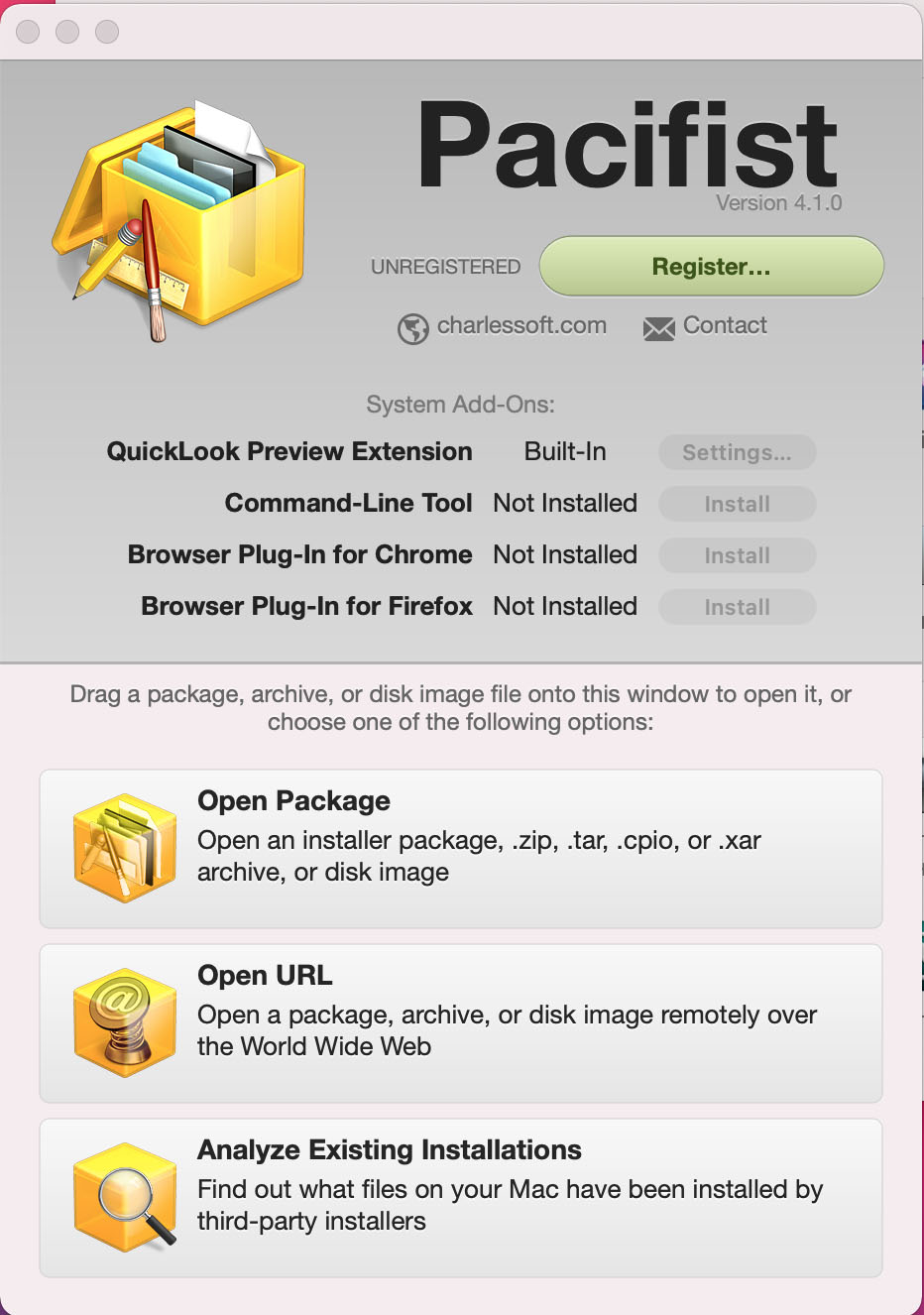
We also download the program Pacifist.
05

The trial period is free.

01

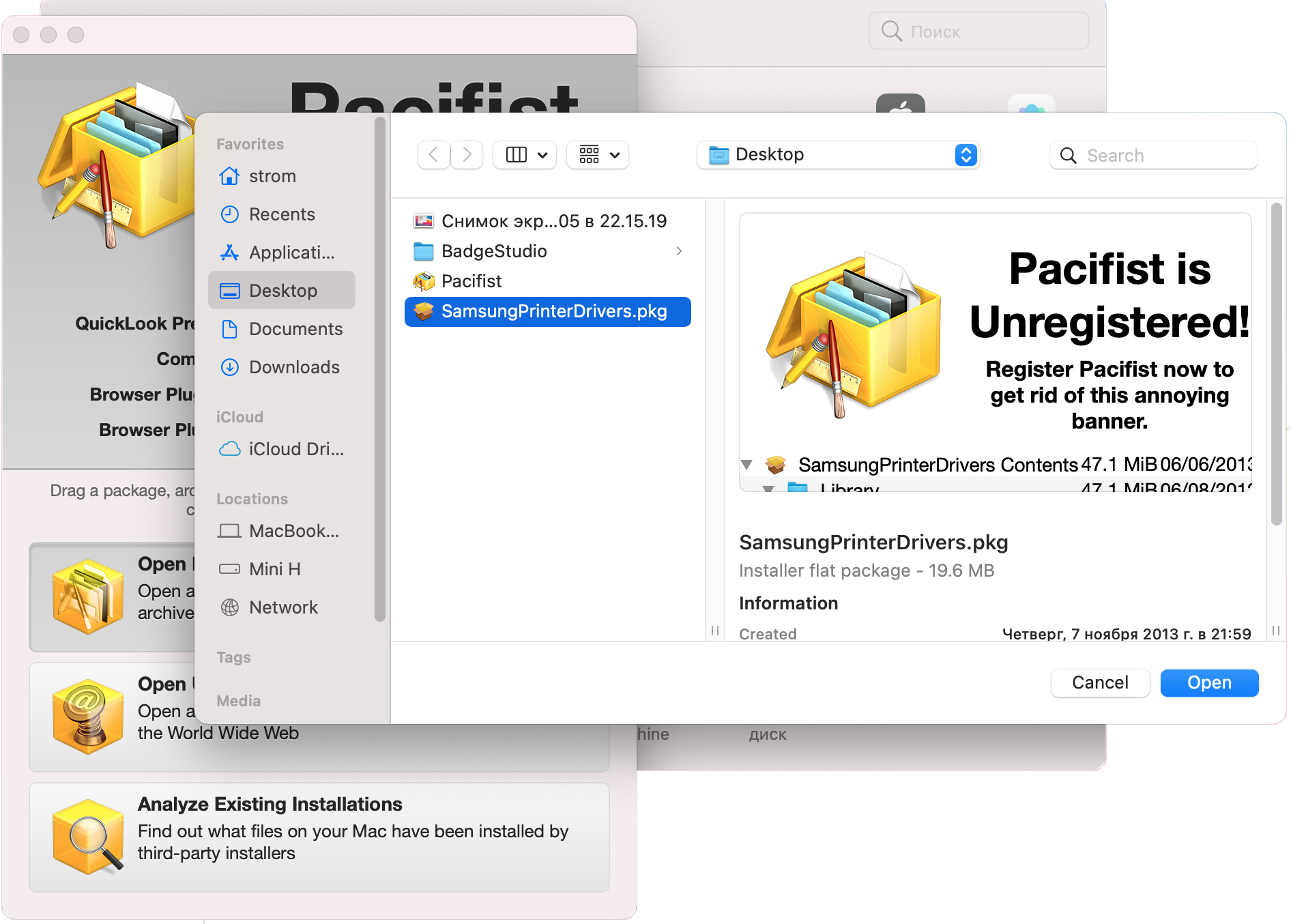
We open in it our package with printer drivers.
02
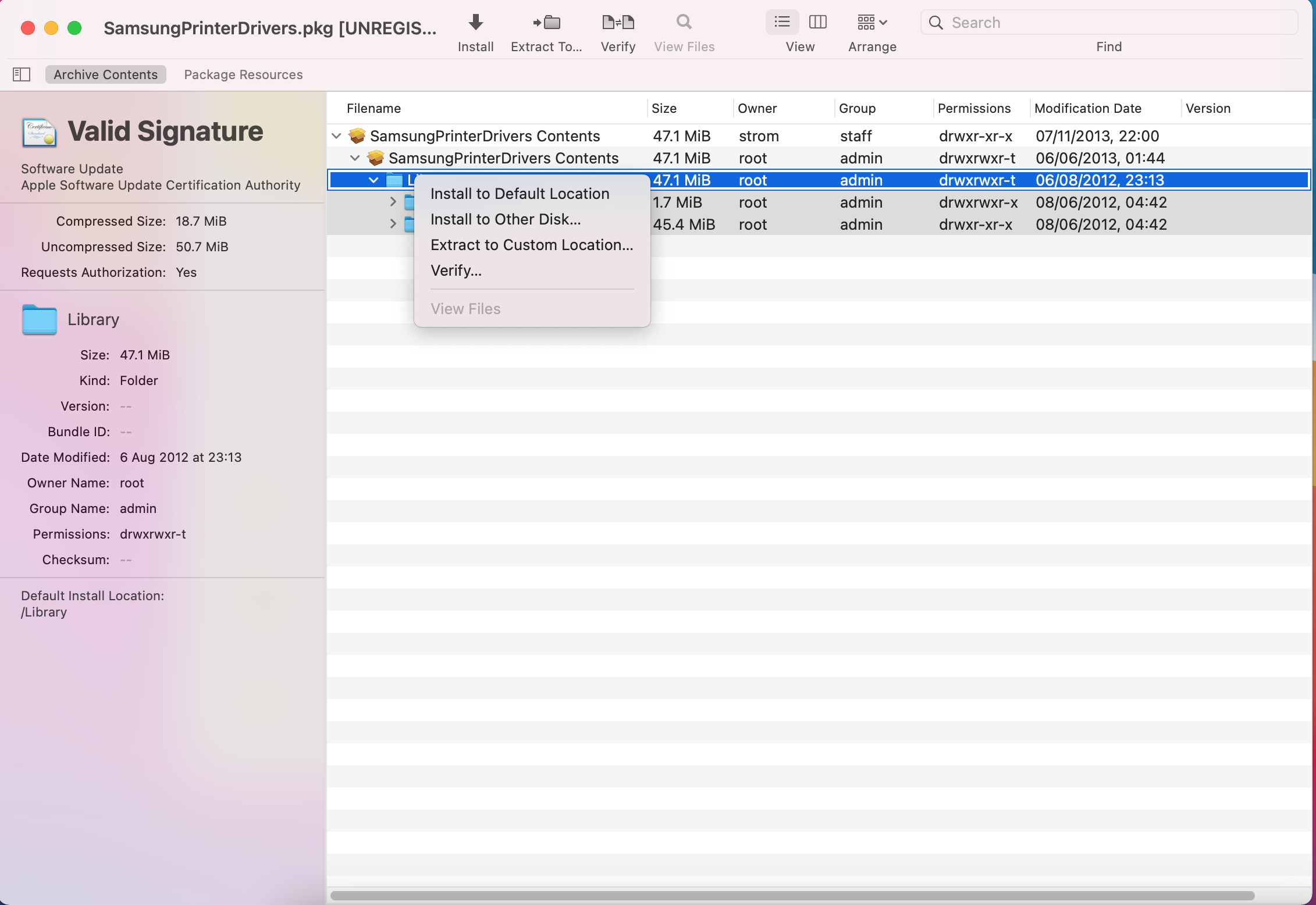
We are looking for the Local folder.

02
Press the right button. And select "Install to Default Location"
Then we close the Pacifist and all the drivers are installed.

About us

bottom logo en

I'm a designer. Here you can see my work. Yes, I do my job.

The main rule - you will never see the unfinished work. Only thoroughly polished projects can produce in life.

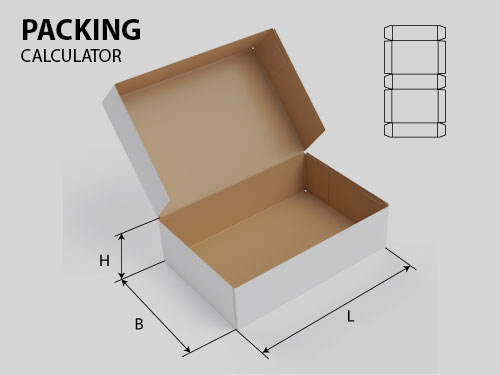
Packing calculator

Select your language

Select your language

Cookies user preferences
We use cookies to ensure you to get the best experience on our website. If you decline the use of cookies, this website may not function as expected.
Accept all
Decline all
Read more
Analytics
Tools used to analyze the data to measure the effectiveness of a website and to understand how it works.
Google Analytics
Accept
Decline
Advertisement
If you accept, the ads on the page will be adapted to your preferences.
Google Ad
Accept
Decline
Save