CNS GLBR Mill is a native macOS app that takes a 3-axis GRBL milling machine from drawing to finished part: draw or import your design, assign bits and depths, preview the result in 3D and run the job. No Windows, no third-party drivers, no chain of three different programs.
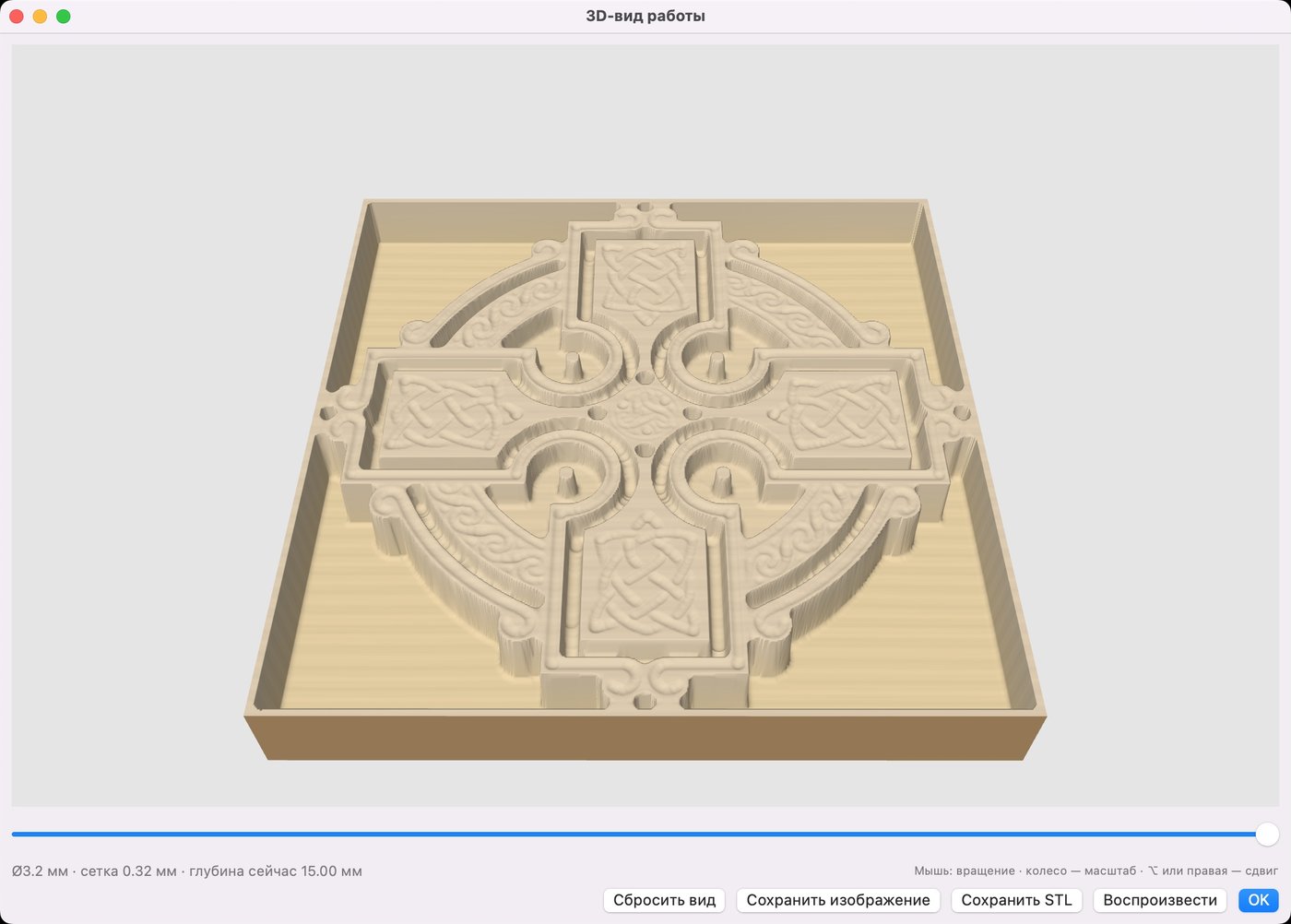
Screenshots show the Russian interface; the program also has an English interface.
Who it is for
Workshops and hobbyists with a GRBL machine (CH340/CH341, 115200 baud) and a Mac on the bench: cutting plywood and plastics, pockets and slots, V-carved lettering, drilling, 3D reliefs and ornaments in wood.
Draw and edit right in the app
- Import SVG, DXF, PDF and images; algorithmic raster-to-vector tracing.
- Bezier pen, polyline, three-point arc, rectangle, ellipse, polygon, star and text, including text on a curve.
- Node editing with handles, scissors, union, subtract and intersect, corner fillets and contour offset.
- Mouse scaling and rotation, alignment, grid and circular arrays, groups.
- Automatic tight nesting of parts on the sheet to save material.
Operations in the style of professional CAM
Each layer has its own operation, bit and depth:
- on the line, outside, inside, pocket, V-carve and drilling;
- through-cutting with tabs so the part does not move;
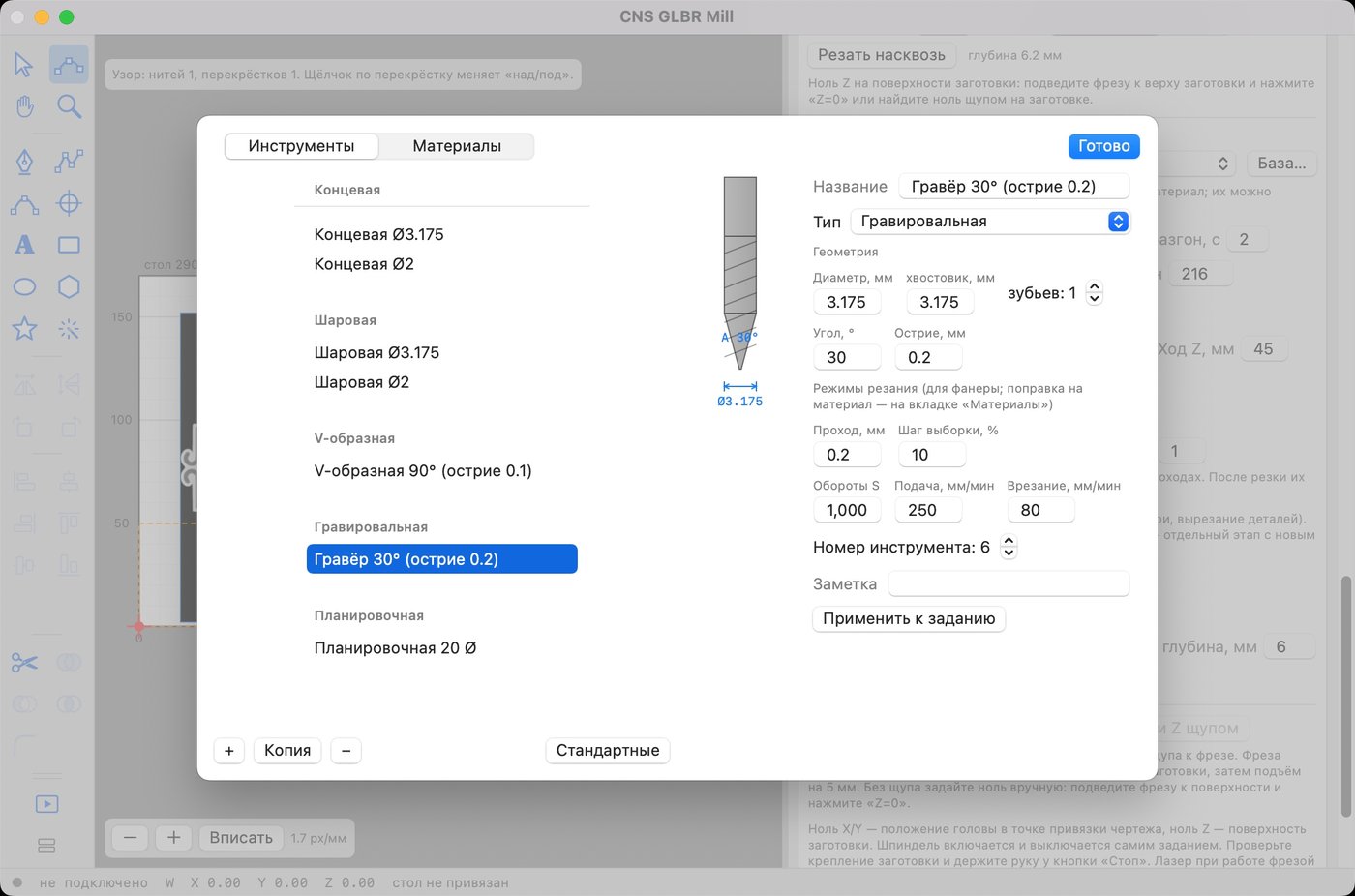
- a tool and material database: end mills, ball nose, V-bits, engravers and surfacing bits with geometry and feeds;
- if a job uses several bits, the app splits it into stages in the right order and tells you when to change the bit and find Z again;
- Z zero on the surface or on the table, and a "cut through" mode.
Volume: relief, STL, models and Celtic knots
- Relief from an image. A grayscale picture becomes a height map: roughing passes followed by a finishing pass with a ball nose bit.
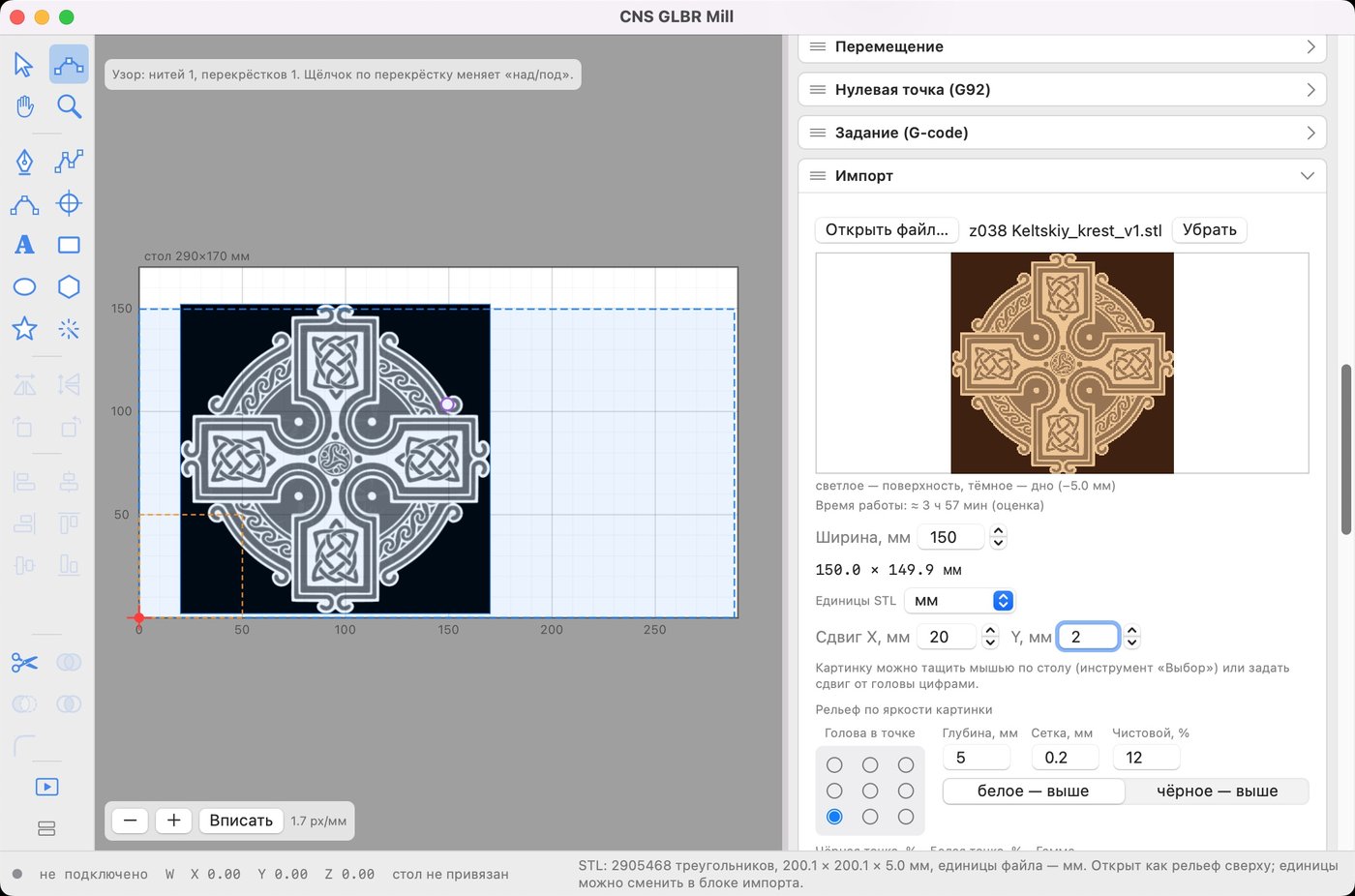
- STL as relief. Open an STL (binary or ASCII) and the app builds a top-down height map; units (mm, cm, inch, m) are detected automatically and can be changed in one click.
- Model from vectors. Closed contours become a flat plateau, a dome or a bevel; parts can be added, combined by height, replaced or subtracted, making raised medallions, frames and ornaments.
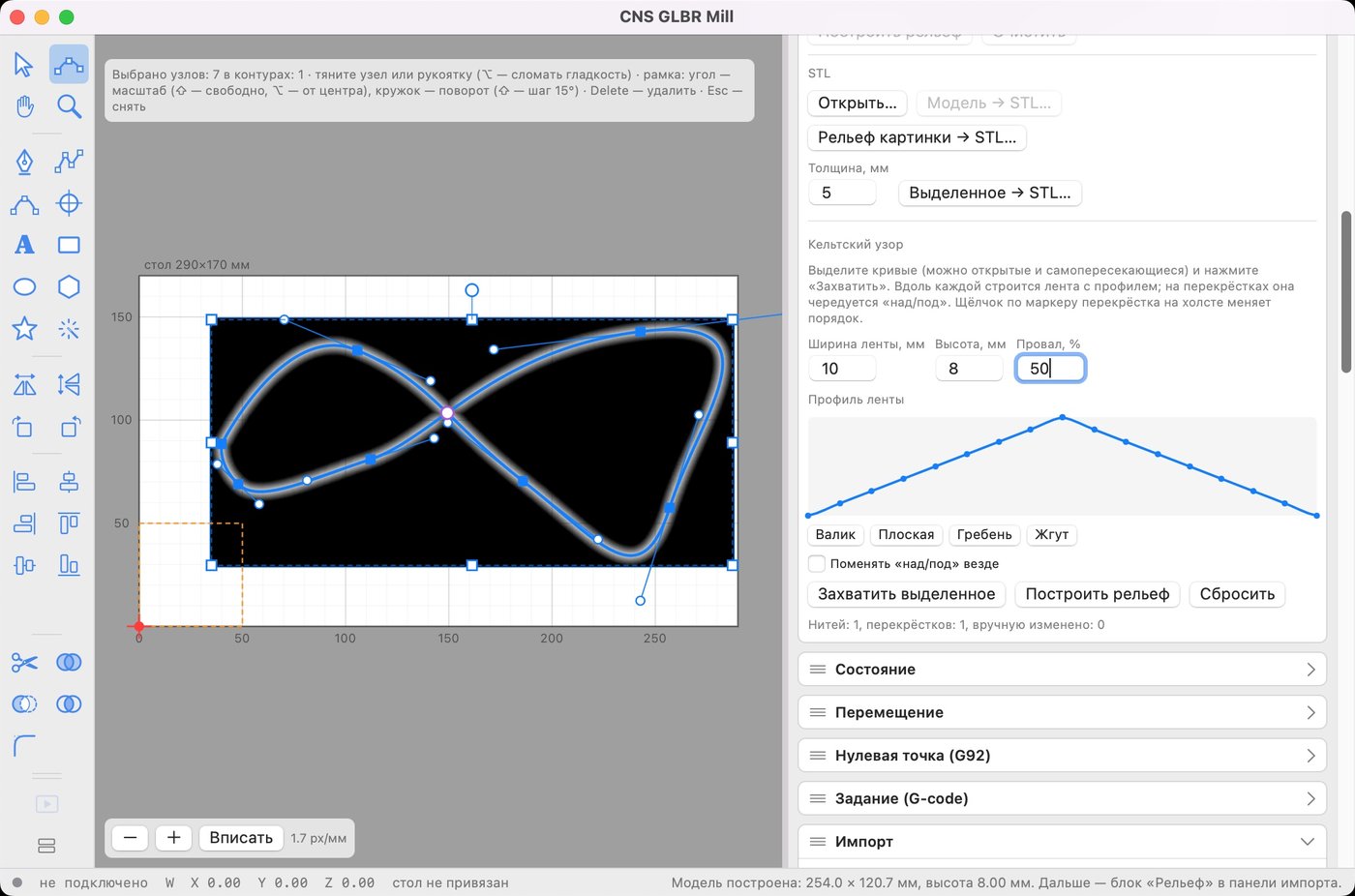
- Celtic knots. Draw any curve, choose a ribbon profile (round, flat, ridge, bead, or your own drawn with the mouse) and a ribbon is built along the curve; over/under alternates automatically at the crossings, and a click on a crossing swaps the order.
- Export to STL: the machining result, an image relief, a model or extruded contours.
See the result before you start
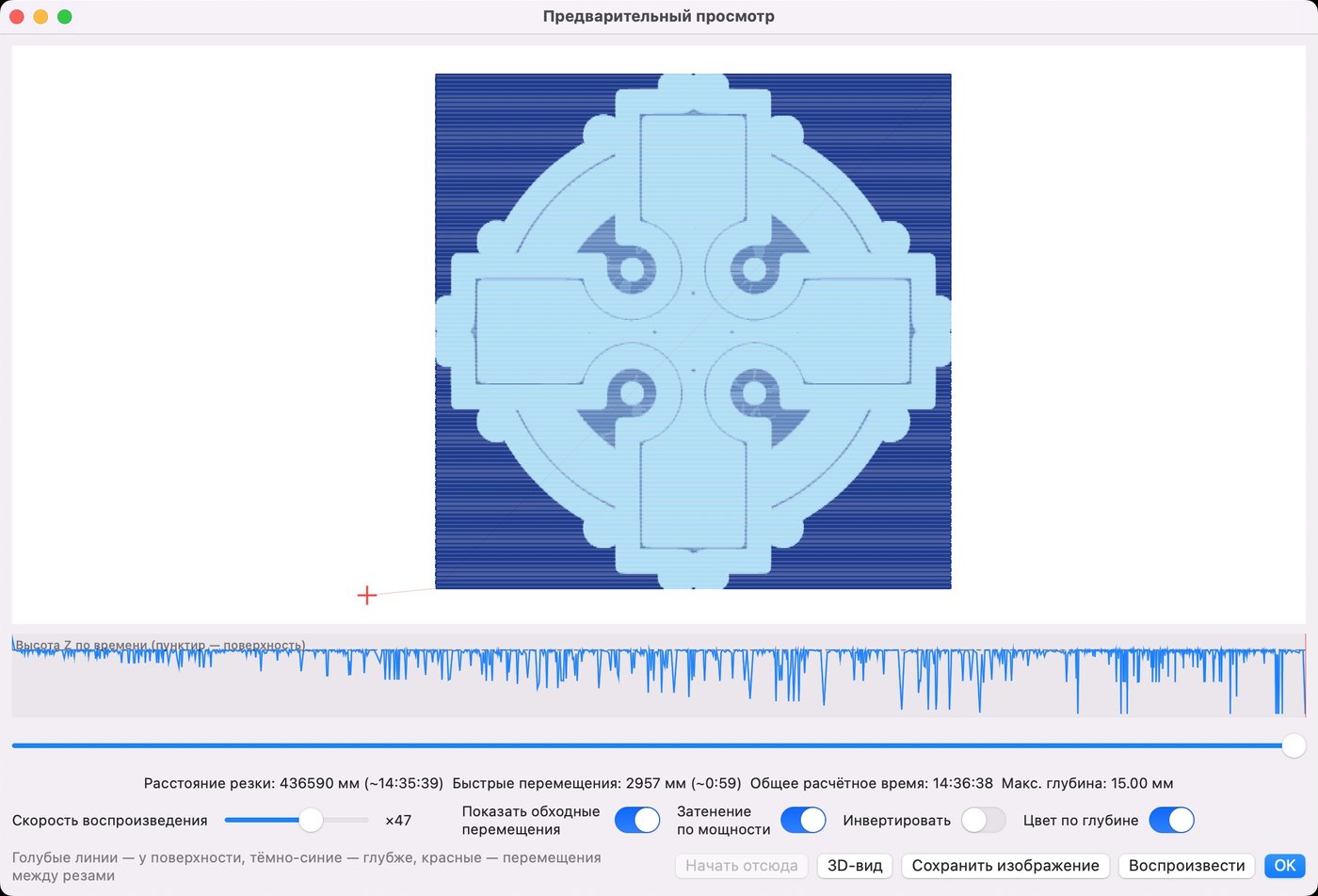
- Toolpath preview with depth, time and playback.
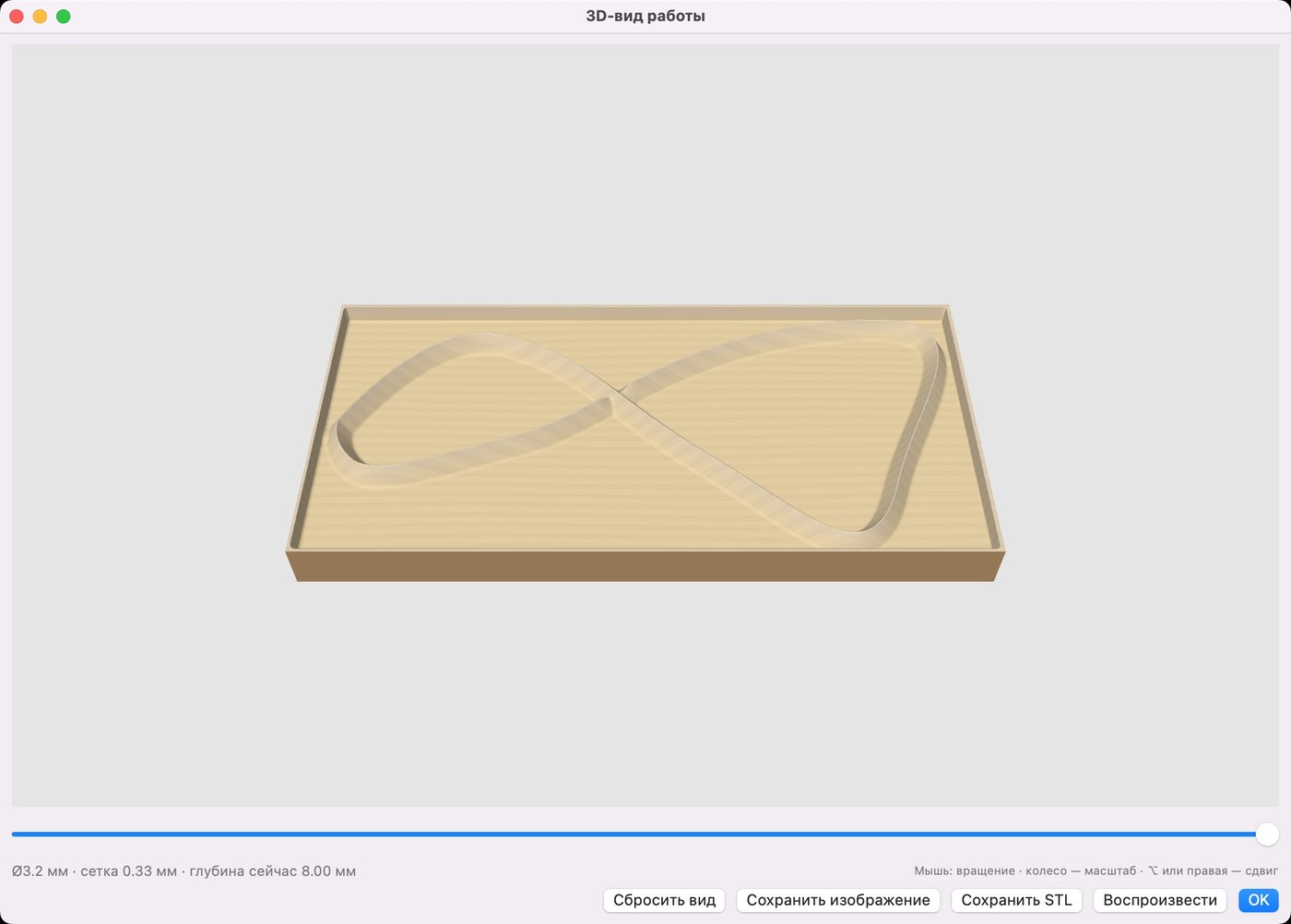
- 3D view of the stock: the bit profile is swept along every G-code segment; rotate with the mouse, scrub with the slider and play the cut. Save an image or an STL.
- A pre-run checklist: workpiece clamped, zero found, bit tightened, hand on the stop button.
Machine and connection
- GRBL 1.1 and newer, three axes X/Y/Z, direct serial port access with no drivers (CH340/CH341).
- Character-counting streaming that fills the GRBL buffer for smooth motion without micro-pauses.
- Spindle mode is set for milling automatically ($32=0, M3 commands).
- Jogging, G92 zero, probing Z, a spindle RPM test and a console.
Specifications
- macOS 12 (Monterey) or newer; Apple Silicon (M1–M4) and Intel.
- Dark and light mode, Russian and English interface.
- For 3-axis GRBL machines; no rotary axis support.